



Hello, GolfFix Family!
“Record your swing as much as possible and watch it often.”
This is the most common advice you've likely heard for improving your golf swing. Many of our golfers have shared, "While swing analysis is great, I’d love to have an easier way to record more videos, save them in the app, and review them whenever I want."
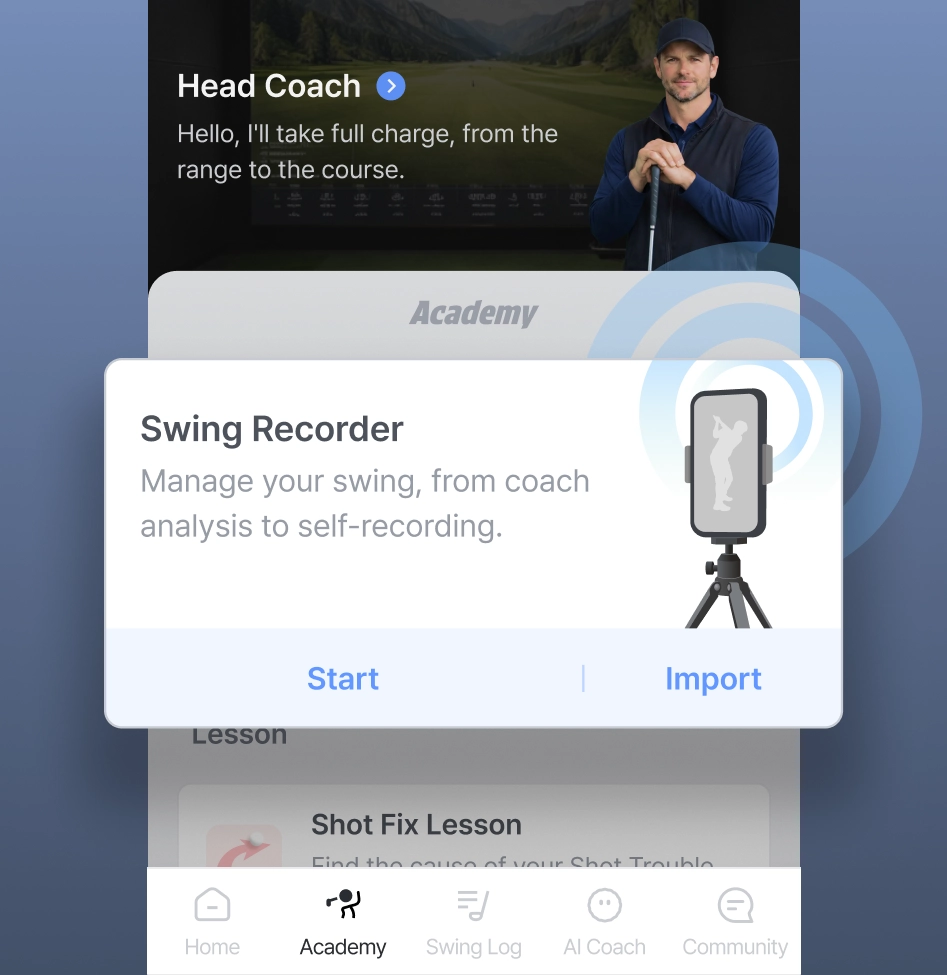
GolfFix has listened to your needs. We are preparing an update that strengthens our recording and analysis features to help you level up your game. Here is a preview of the new “Swing Recorder” and the “Enhanced AI Analysis Report” coming in late May 2026. (The schedule is subject to change.)
'Swing Recorder' tailored to your practice goals
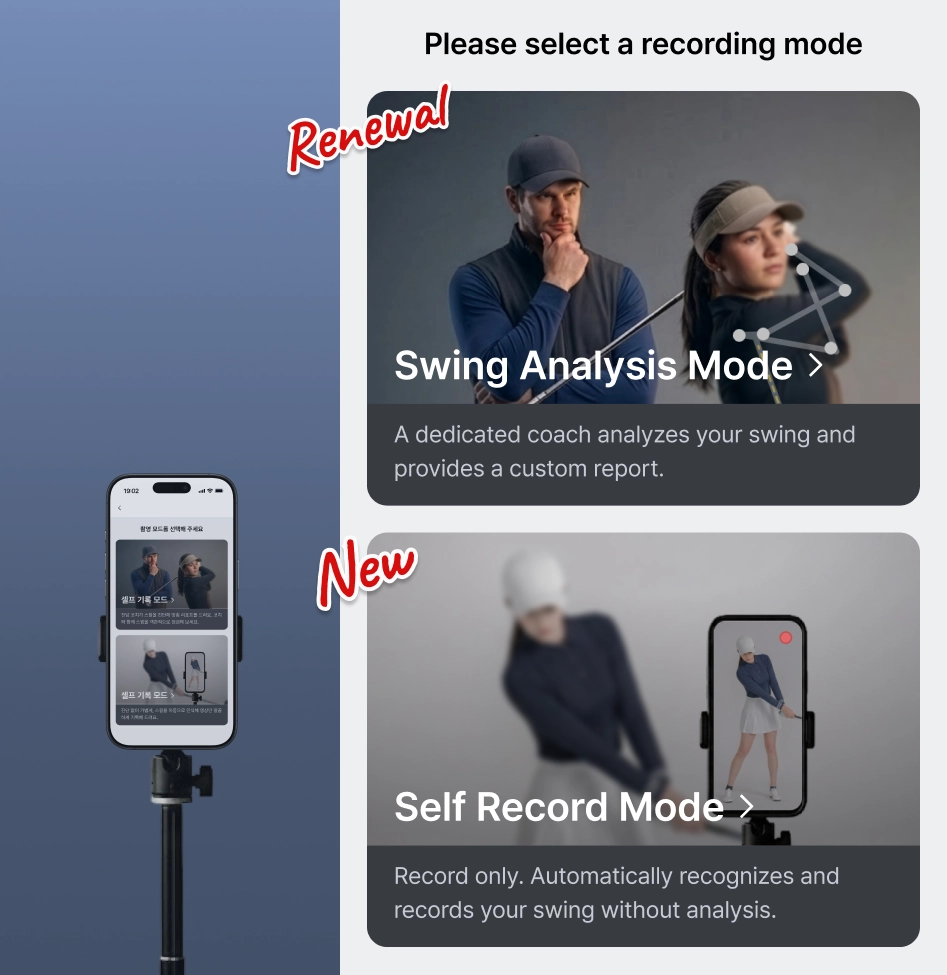
Choose a recording mode based on what you want to achieve.
•
Swing Analysis Mode: Choose this when you want to pinpoint specific problems in your swing with precision. (Same as the current swing analysis feature.)
•
Self Record Mode[NEW]: Use this when you want to simply record your swing videos without feedback from the AI Coach.
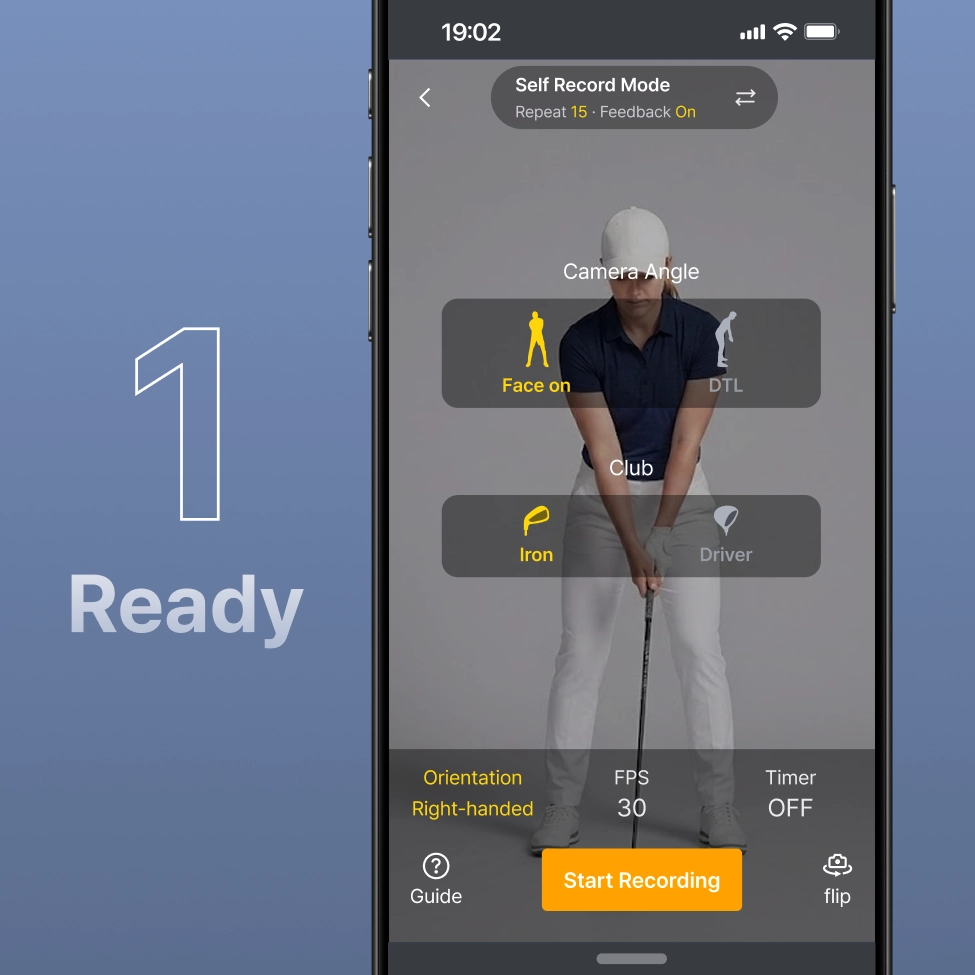
[NEW] Self Record Mode: Self-directed practice at your own pace without a coach
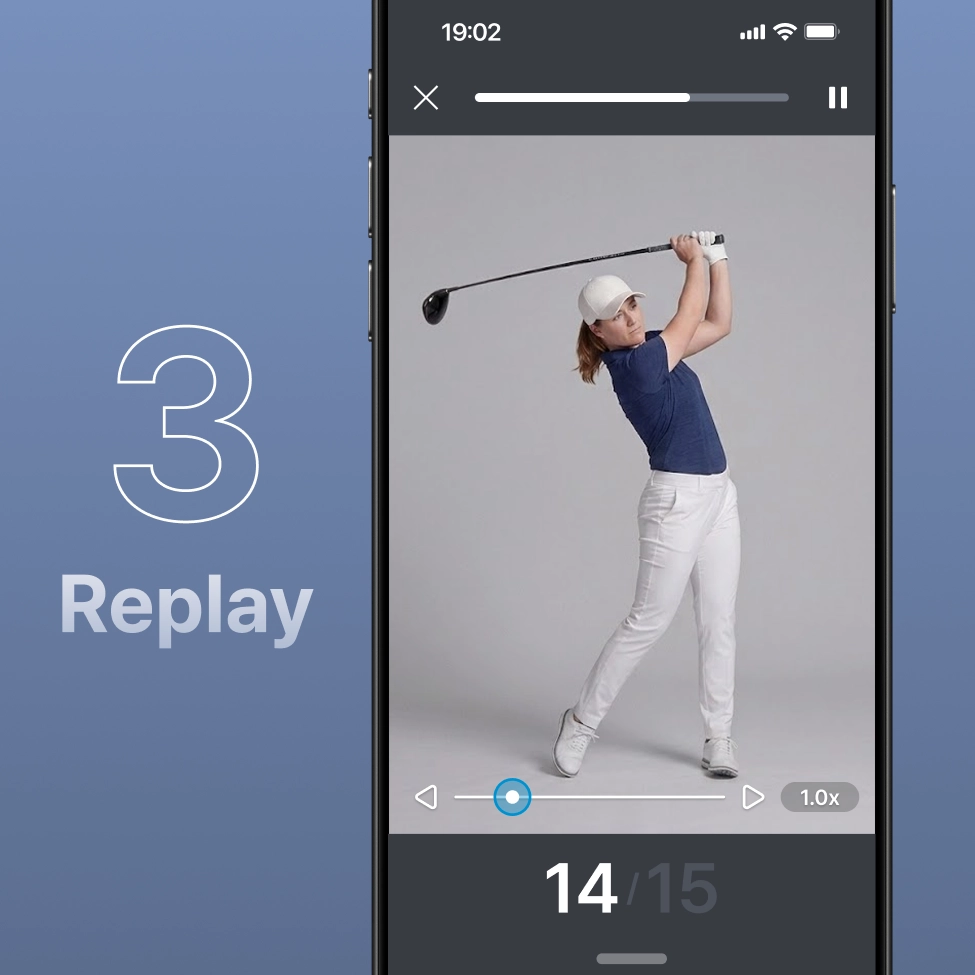
Record freely and review your swing immediately with zero waiting time after recording.
•
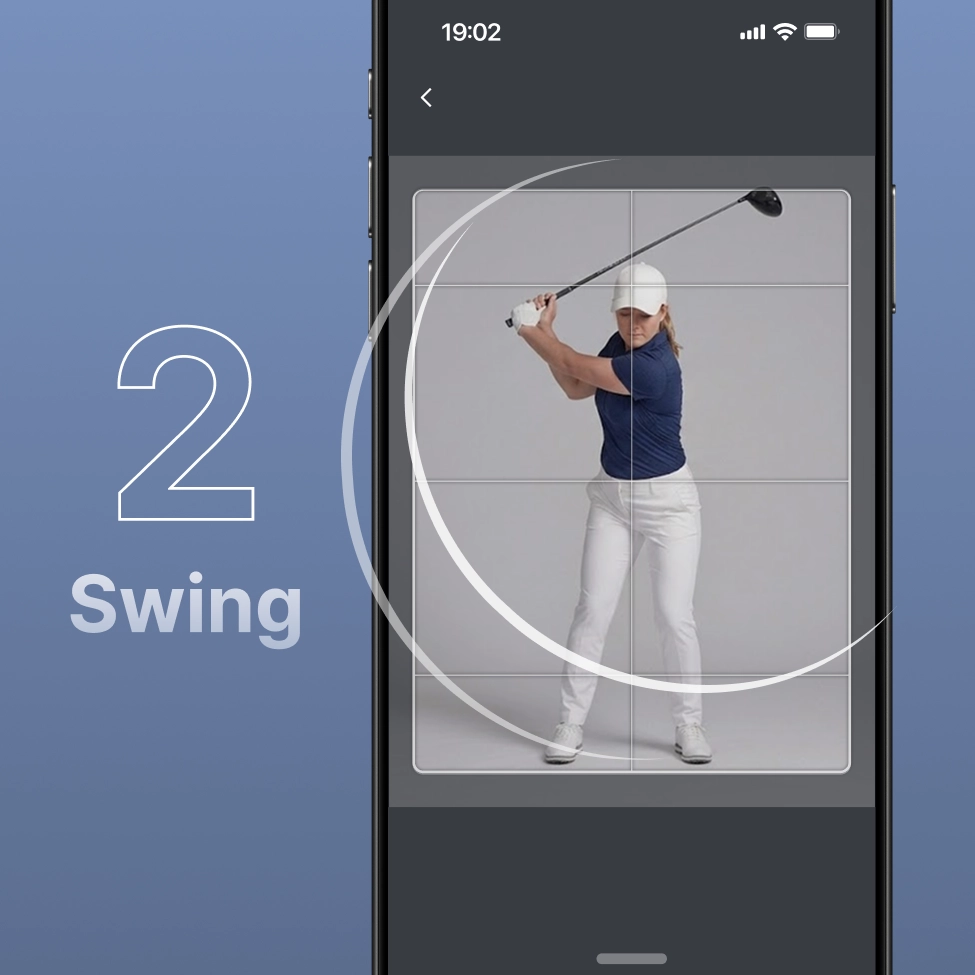
Instant Replay to keep your flow: Videos play automatically right after your swing (set for 1–3 replays), allowing you to monitor your movement before you lose the "feel" of that last shot.
•
Your personal Swing Video Gallery: Save your swing videos without separate analysis. Track and manage changes in your form by reviewing them whenever you like.
Multiple swings at a glance: ‘Summary Report’
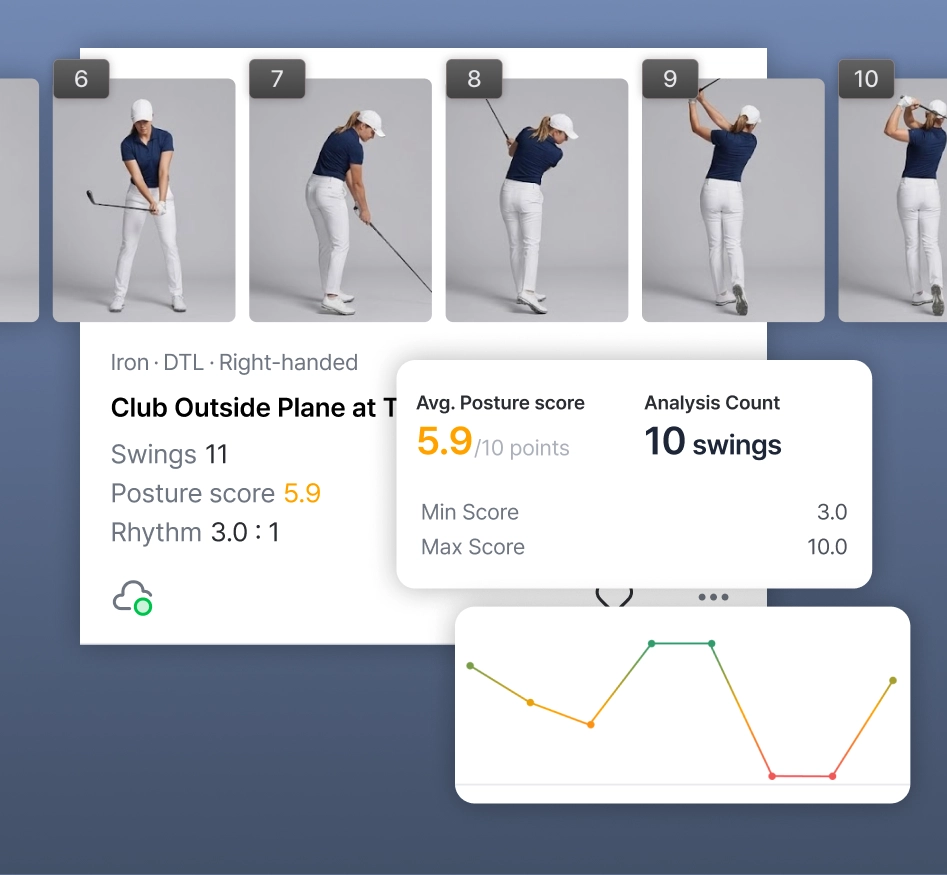
For continuous shooting, reports previously provided only for each swing are now combined into a single ‘Summary Report.’
•
Practice Session Insights: Get a summary of your session’s average score, rhythm trends, and most frequent mistakes all on a single page.
•
Explore individual swings: After grasping the overall flow, you can conveniently move to detailed analysis data for each individual swing at the bottom of the Summary Report.
•
Unified Application: Both Swing Analysis and Self Record modes provide reports with the same structure.
Want fast feedback? ‘Interim Report’’
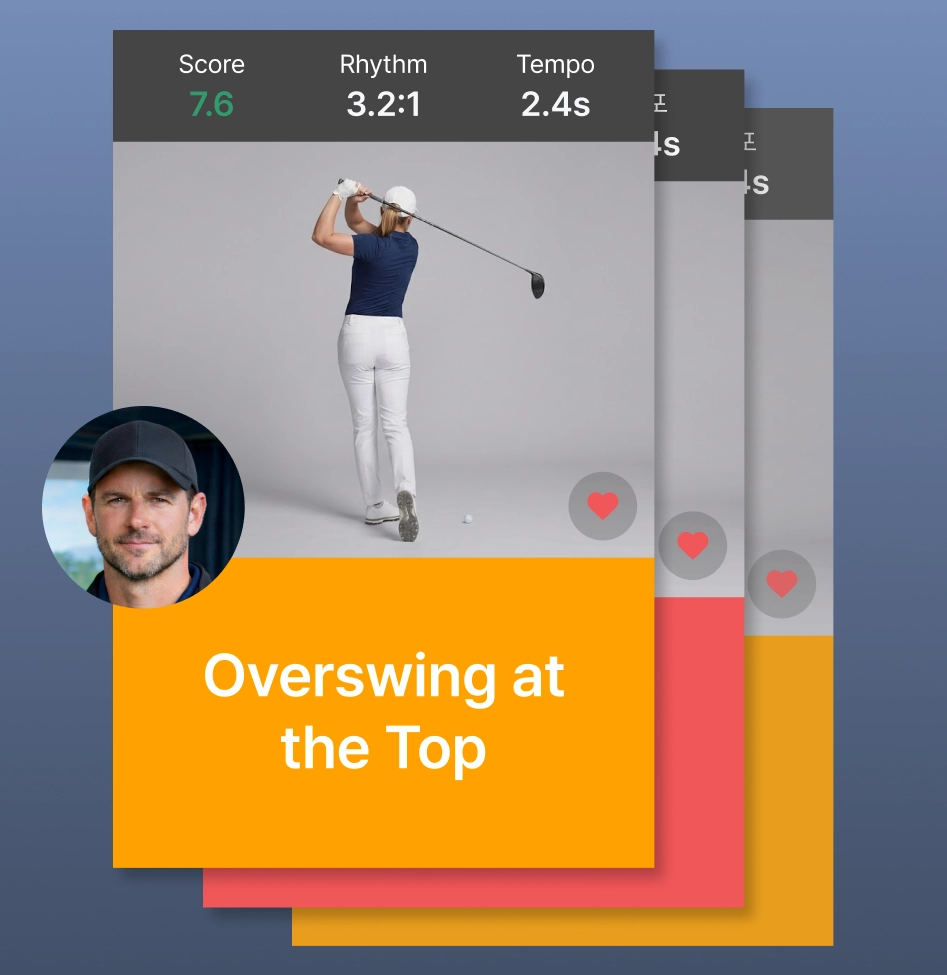
Check analysis results quickly and easily, and use the Favorites feature to view them again anytime.
•
Customized reports per recording mode
◦
Swing Analysis Mode: Instantly check your score, rhythm, analysis video (with guides), and coach feedback right after your swing. Correct your next shot immediately without finishing the entire session.
◦
Self Record Mode: The video plays automatically right after recording so you can visually monitor your swing sensation instantly.
•
Favorites: If you have a shot you definitely want to see again, simply tap  to save to Favorite button during the session. You can easily find the specific shot among many videos once practice is over.
to save to Favorite button during the session. You can easily find the specific shot among many videos once practice is over.•
User Customization: Freely set the report exposure time (5–15 sec) or video replay count (1–3 times) to match your practice tempo.
While preparing for this update, the GolfFix team’s biggest focus was: “How can we make it easier for golfers to record more swings and improve their skills?”
Once the update is live, we encourage you to try ‘Repeated swing recording’ first. You will immediately feel the value of the new practice experience GolfFix offers through easier recording modes and smarter reports.
The GolfFix team will be back in Early June with the ‘Swing Recorder’ and ‘Enhanced Analysis Report’ update.
Happy Swinging!
Team GolfFix