


 User Guide for the GolfFix Users
  How to change the default setting to left-handed

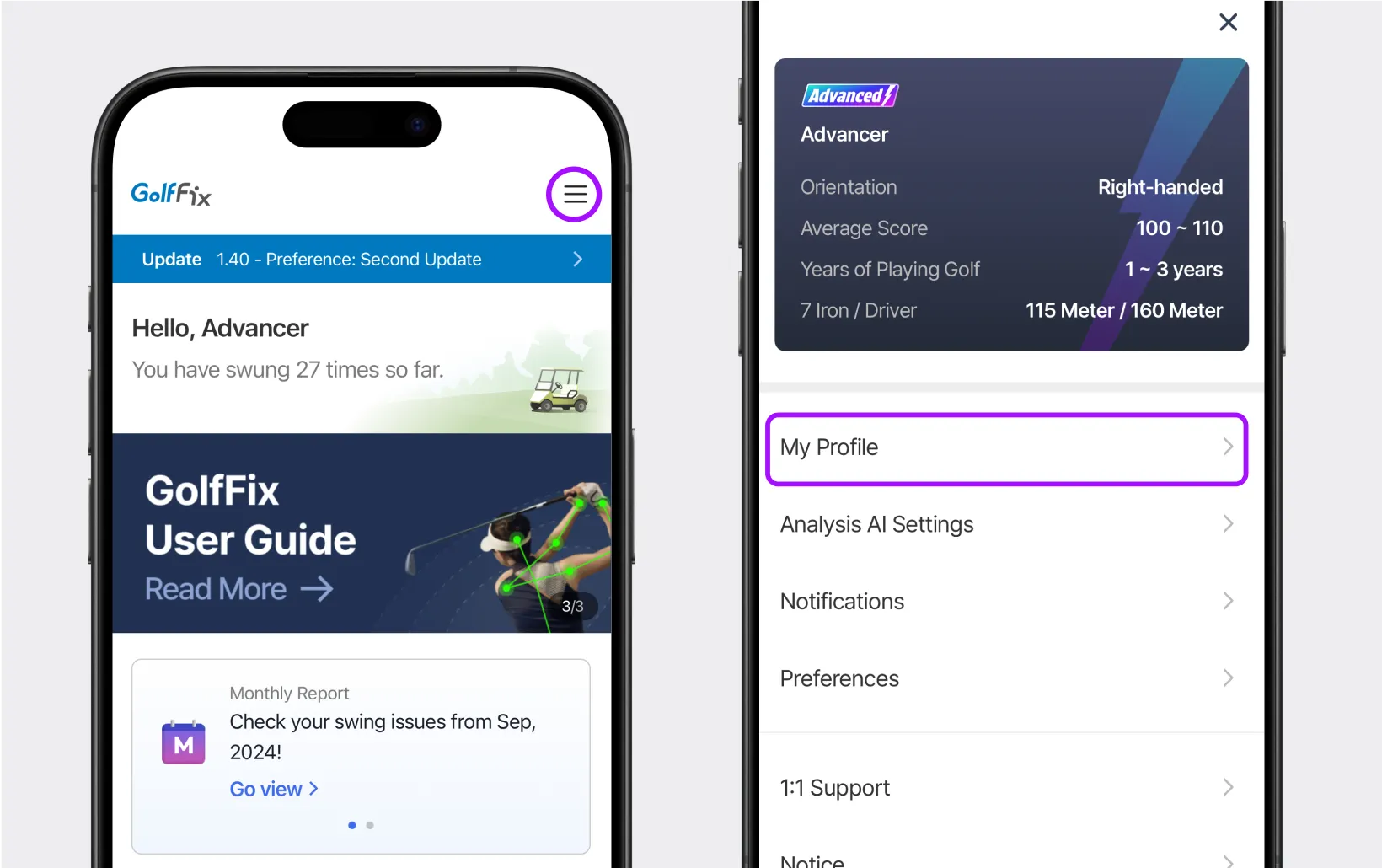
On the home screen, select [My page] > [My Profile].

In the middle of the screen, select [Orientation] and set the swing direction you want.
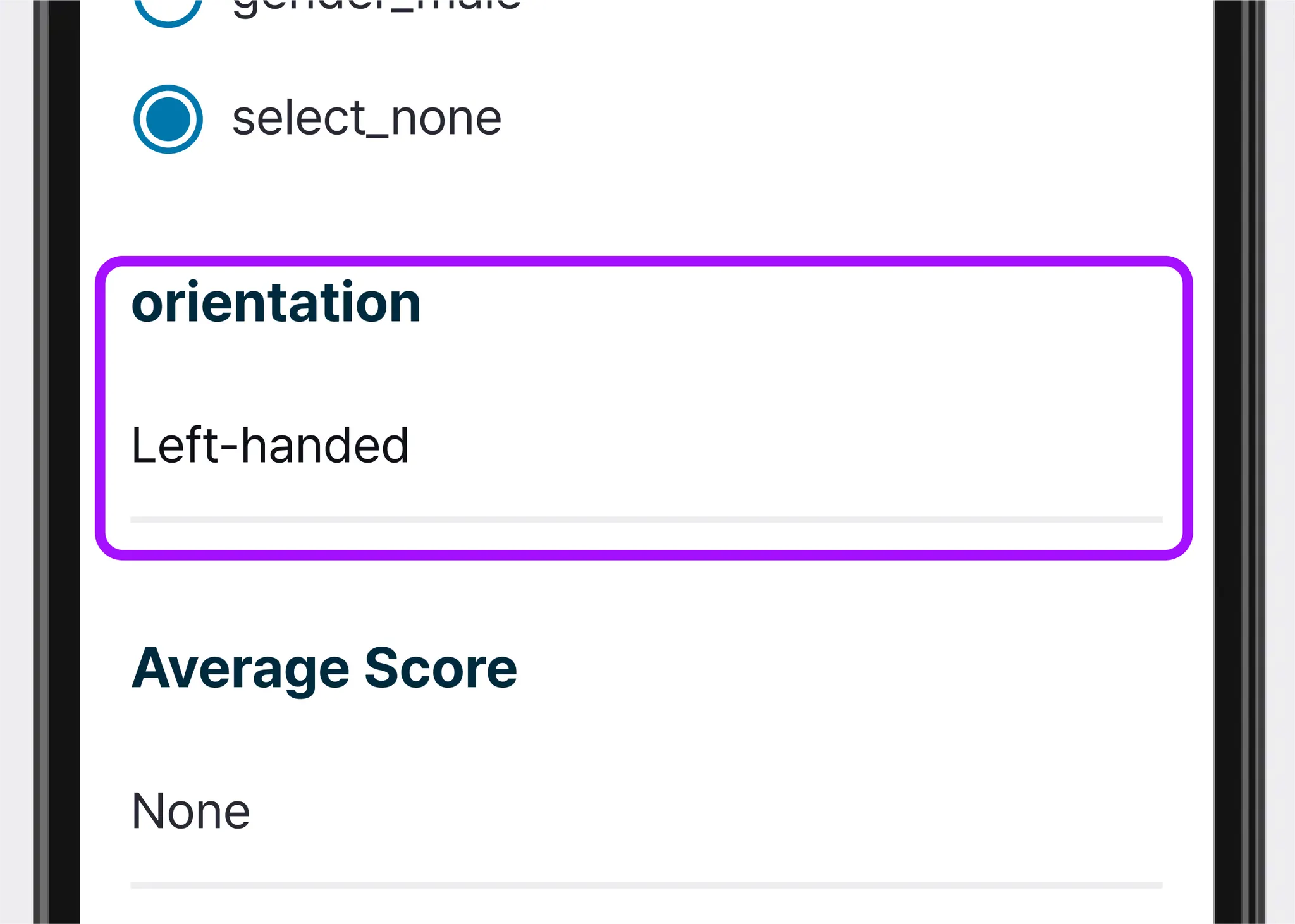

All content within the app will now be displayed based on your orientation settings.
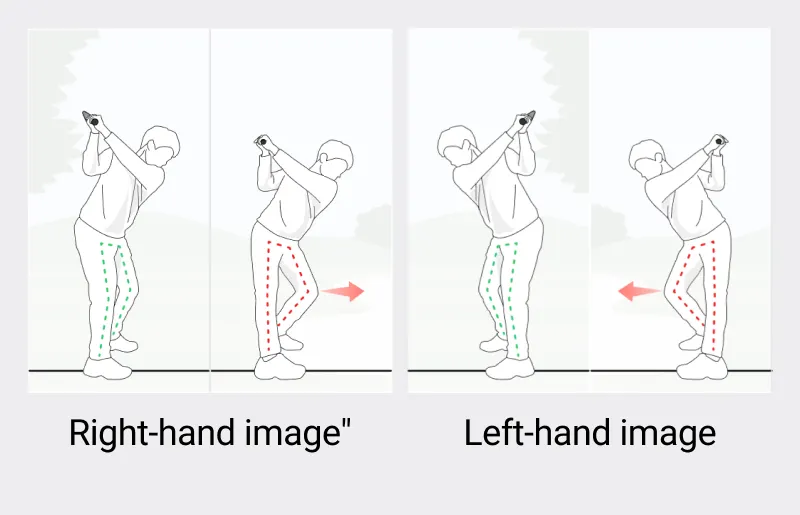
 How to temporarily switch between left and right-handed during recording
This is a convenient feature that allows you to temporarily change the setting without altering your personal preferences.
Try using it to analyze someone else's swing.
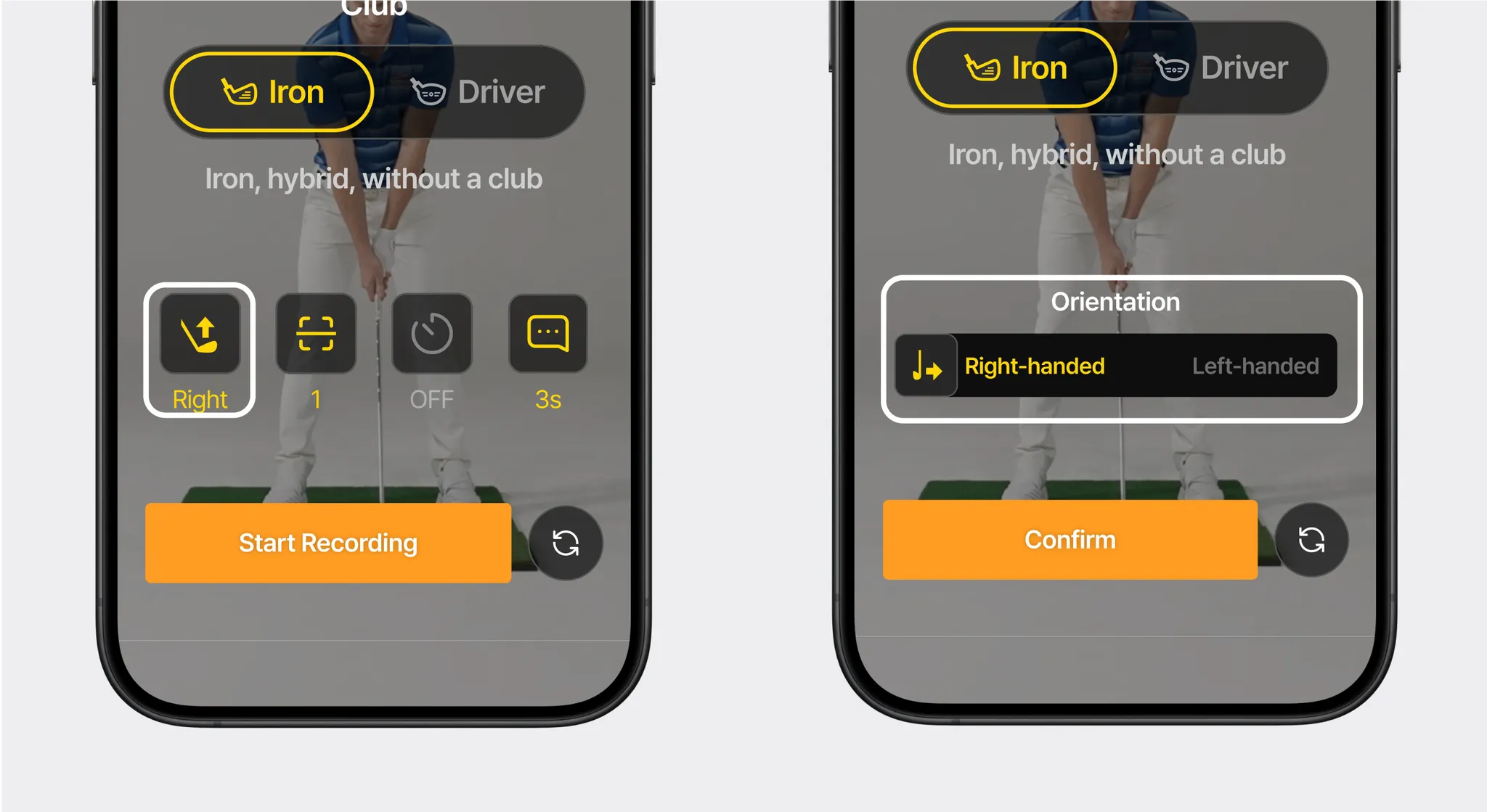
In the recording options screen before starting, select the orientation change icon.
Choose the desired orientation and confirm to complete the setting!